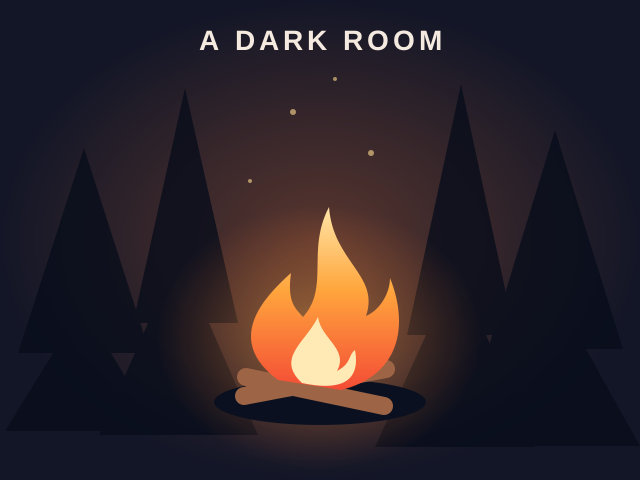
A Dark Room
Text adventure games
Best on desktopA text adventure uses descriptions and available actions to reveal its world. Read what changed after an action and revisit options when a new resource or location appears.
A Dark Room starts with very few controls and gradually opens up. The reviewed edition keeps progress locally and omits audio. If you want to preserve discoveries, use the same browser and avoid clearing the game’s stored data.
Light a fire and uncover a world through a minimalist text adventure. This browser edition plays without sound and saves progress locally.
Click Light fire, then Stoke fire. Read the story and use the available buttons to gather resources and explore. Desktop recommended; this edition has no audio.
Adventure games focus on discovery and changing choices. Progress may open an option that was absent at the start, so a small opening screen does not describe the whole game.
A Dark Room is the text adventure currently available in this category. Its opening is deliberately small, with actions and information that develop as you interact. Read the current screen before deciding that there is nothing to do: a text adventure can reveal a new option after an earlier action or a change in its state. The category does not imply that every game accepts freely typed commands, and a clickable text interface is different from a parser. Use the controls listed for the actual edition. If you prefer movement and visual obstacles, compare the action or arcade categories instead. Choose a text adventure when you enjoy noticing changes in descriptions and decisions, rather than expecting a tutorial to explain the entire game immediately.
Start with the controls and the question that is stopping your current attempt. Avoid reading every answer at once if discovering new options is part of what you enjoy. The text adventure guide organizes practice prompts and common questions so you can choose a small issue to investigate, then return to the game. A useful first question is what changed after your last action, rather than what the final route must be. Separate an unresponsive button from a deliberately unavailable action by checking the current state and any message the game shows. If you report a problem, include the edition's URL and the step that failed. You can describe the issue without posting the whole story or requesting an explanation of every later event.
An account can save your favorite games, but that is separate from a game's own progress storage. Recently played entries also help you find a title again without acting as a backup of its story state. Before clearing browser data or changing devices, check the text adventure's own save behavior and controls. A guide does not transfer the state of your game into another browser, and opening the same page on a second device does not guarantee that the previous scene will appear. This distinction matters when a text adventure gradually reveals choices, since a fresh start can look different from a later session. Use the game's available features to manage its progress, and keep a troubleshooting report focused on the specific edition and action you observed.