Sandspiel
Creative games
Best on desktopFind the browser projects shared by @RadiantOpti. Compare file requirements and recorded observations before opening their websites. You do not need to buy or install Radiant Optimizer to use this list.
Creative games
Best on desktop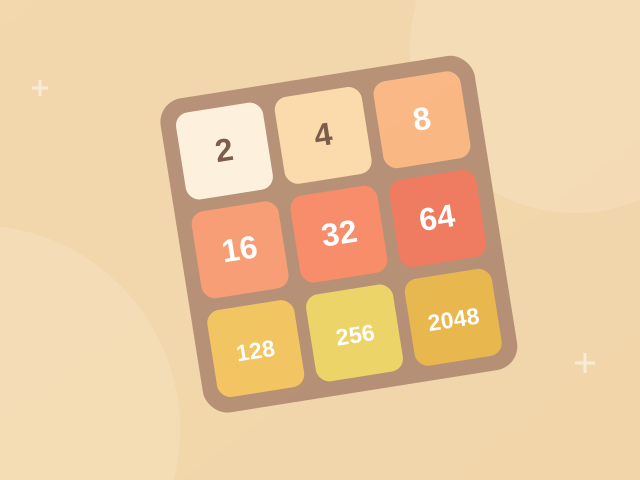
Number puzzles
Mobile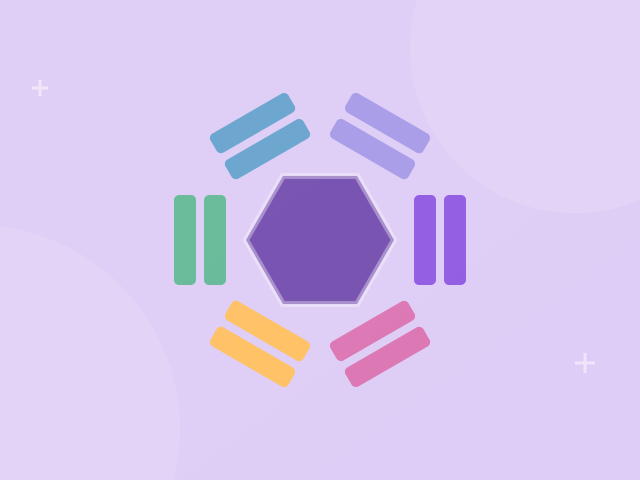
Matching games
Best on desktop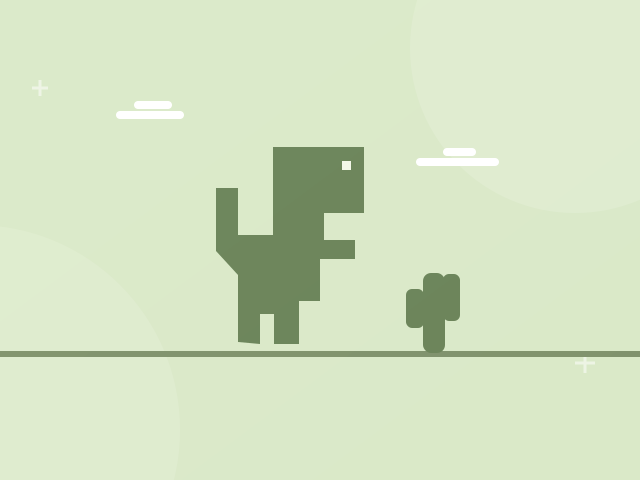
Runner games
Best on desktop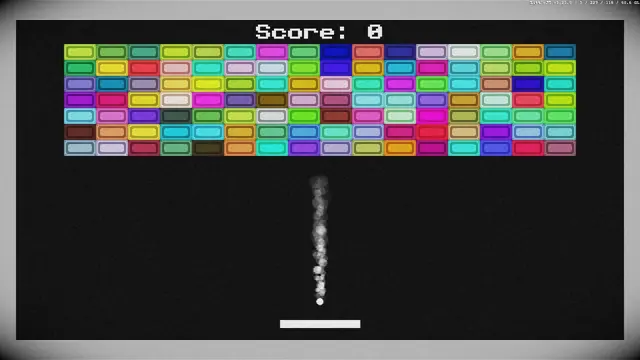
Arcade games
Best on desktop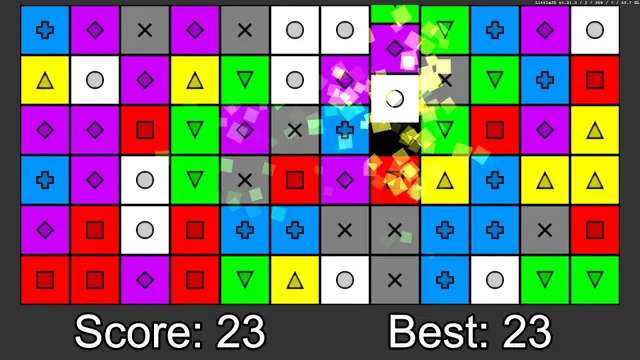
Matching games
Best on desktop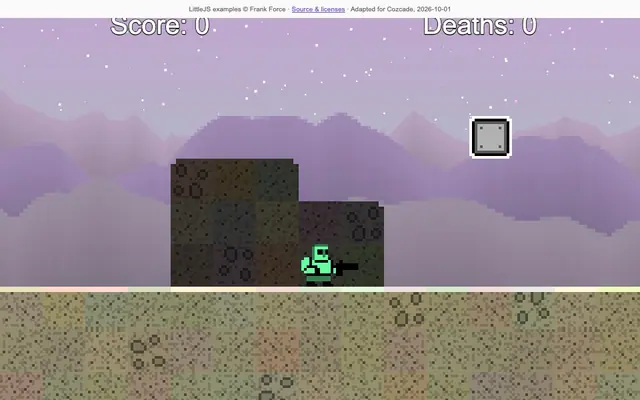
Platform games
Best on desktop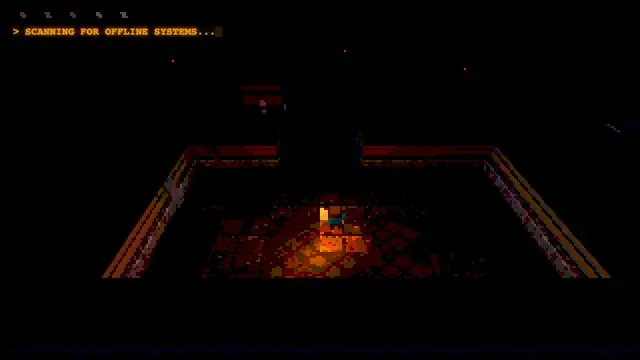
Action games
Best on desktop
Building games
Best on desktop
Coding games
Best on desktop
Coding games
Best on desktop
Coding games
Best on desktop
Action games
Best on desktop
Puzzle games
Best on desktop
Puzzle games
Best on desktop
Coding games
Best on desktop
Puzzle games
Best on desktop
Puzzle games
Best on desktop
Puzzle games
Best on desktop
Puzzle games
Best on desktop
Arcade games
Best on desktop
Puzzle games
Best on desktop
Adventure games
Best on desktop
Learning games
Best on desktopPlay free browser games online. No downloads or signup required.
Find a free browser game for a quick break, a puzzle to think through, or something creative to explore. Play without a mandatory account, and open the matching guide when you want help with the controls or a specific challenge.
The collection includes puzzles, arcade games, creative sandboxes and coding challenges. Games use HTML, CSS and JavaScript, with Canvas or WebGL where needed. No Flash or plug-in is required. Each game links to its original source and license information. The Cozcade edition label identifies the adaptation we host; it does not imply exclusive ownership.
Puzzle games reward reading a situation and making a deliberate change. Some ask you to merge numbers, others to recognize colors or plan a route. Start with a game whose controls and pace match the kind of challenge you want.
Arcade games turn a small set of controls into a repeating skill challenge. Timing a jump, returning a ball and placing a falling block feel different even when each game can be started quickly.
Creative browser games let you make a scene or test an idea without requiring a single correct answer. You can begin with a few objects, observe the result and change it at your own pace.
These games provide a focused task you can solve and repeat. They are practice experiences rather than certificates or a full course. Read each game’s goal and compare the visible result after changing your answer.
Action games ask you to react while the situation changes. Read the movement and aiming controls before the first encounter, and make sure your device supports those inputs.
Adventure games focus on discovery and changing choices. Progress may open an option that was absent at the start, so a small opening screen does not describe the whole game.
Simulation games let you explore how a fictional system behaves. Check whether the game has a campaign objective, a survival challenge or a sandbox before choosing a strategy.
Slide, combine and think one move ahead. Merge equal numbers on a four-by-four board until you reach the 2048 tile.
Use arrow keys or swipe to slide the tiles. Equal tiles merge when they meet.
Rotate a colorful hexagon to catch falling blocks. Match three colors and keep every side clear as the pace picks up.
Use left and right arrows, or tap either side, to rotate. Match three blocks of the same color.
A tiny dinosaur, a long desert and one more jump. Hop over obstacles and see how far you can run.
Press Space or Up to jump; press Down to duck. On touch devices, tap the game area to jump.
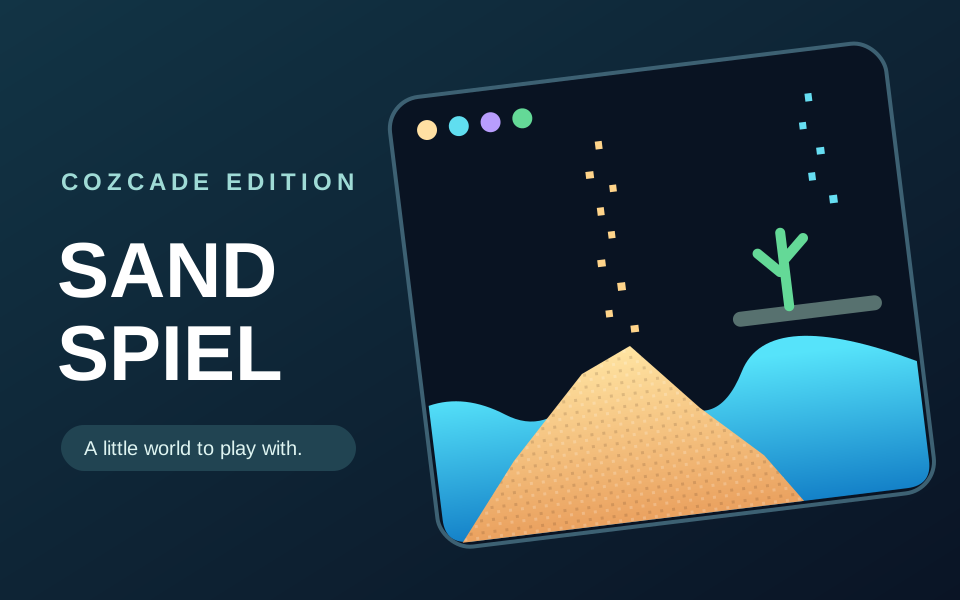
Paint with sand, water, stone, plants and other materials in a single-player canvas sandbox. Watch materials fall, flow and interact as you build small experiments at your own pace.
Choose a material, then drag across the canvas to paint. Pause the simulation to inspect the result, undo a stroke, or clear the canvas to begin again.
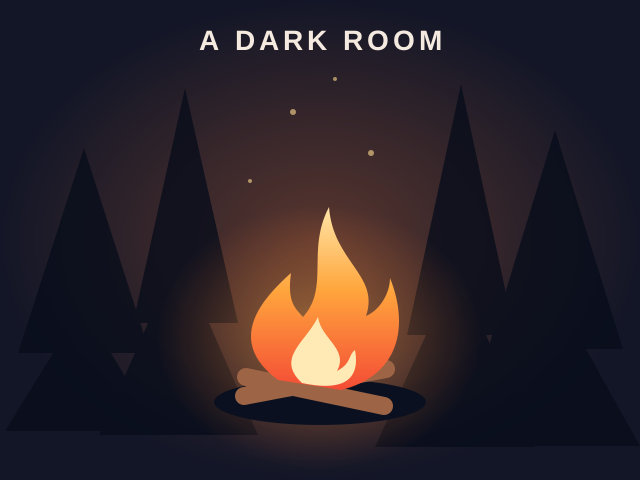
Light a fire and uncover a world through a minimalist text adventure. This browser edition plays without sound and saves progress locally.
Click Light fire, then Stoke fire. Read the story and use the available buttons to gather resources and explore. Desktop recommended; this edition has no audio.
Help little frogs reach their lily pads using CSS flexbox. Each level turns a layout rule into a playful logic puzzle.
Read the goal for each level, then type CSS into the editor. Complete the layout to unlock the next puzzle.
Check the desktop and mobile labels before you begin. Keyboard games may need arrow keys, WASD or typed commands; touch-friendly games may use taps, swipes or dragging. Click or tap inside the play area before using a control. The Cozcade interface language is separate from the game’s own menus; each game page lists its supported languages.
Press Play now when you are ready. If loading fails, use the player’s retry controls or choose another game. You can read the controls before starting and return to the guide while the game stays on the same page.
Recently played games and guest favorites help you return on the same browser. An account saves favorites to your profile. Progress inside each game is separate: clearing game-site storage can remove a local save, and signing into Cozcade does not automatically transfer a game’s board, score or creative scene to another device.
Compare options, try a practice exercise and find a game that fits your next session.
Compare the best free browser games for a quick break: six picks with controls, play links, storage advice and guides for creative, puzzle and arcade play.
Learn CSS with games using Flexbox Froggy and Grid Garden. Follow three original exercises for axes, alignment and grid lines, then practise in a real page.
Compare six browser game websites by player task, guide support, controls and progress checks. See where Cozcade, Poki, CrazyGames, Y8 and others fit.
Use this Deltarune Fight Simulator guide to choose the right fan project, start a fight, practise one Jevil attack and troubleshoot keyboard or rewind issues.
Explore Radiant Optimizer games: checked project links, game-file requirements, name corrections and browser loading help for choosing what to try.
Find the vel.gg BO1 Zombies map selector, understand download and start steps, and read our recorded checks before opening the browser project.
Learn how to choose a Surfd map, understand the Boreas loading step and keyboard-and-mouse requirements, and see the scope of our recorded check.
Open the q1.pieter.com QuakeWorld project, understand player-name and multiplayer steps, and read our observations on loading and menu controls.