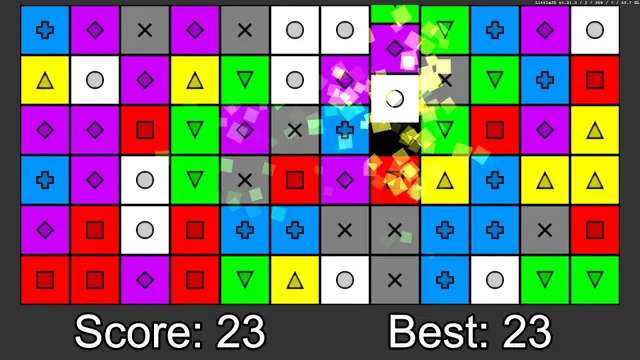
Color Match
Matching games
Best on desktopPuzzle games reward reading a situation and making a deliberate change. Some ask you to merge numbers, others to recognize colors or plan a route. Start with a game whose controls and pace match the kind of challenge you want.
Matching games
Best on desktop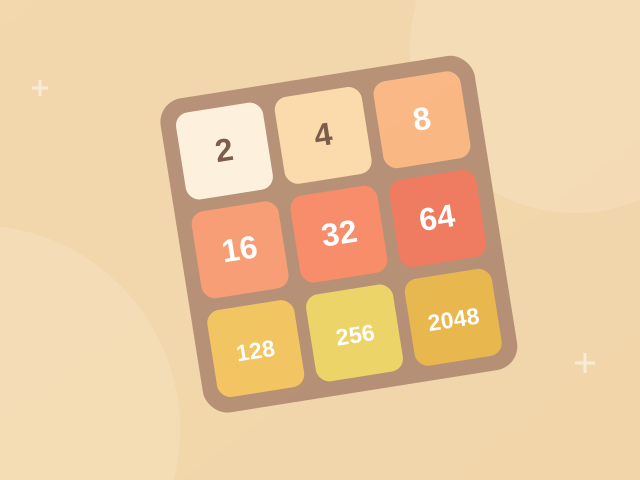
Number puzzles
Mobile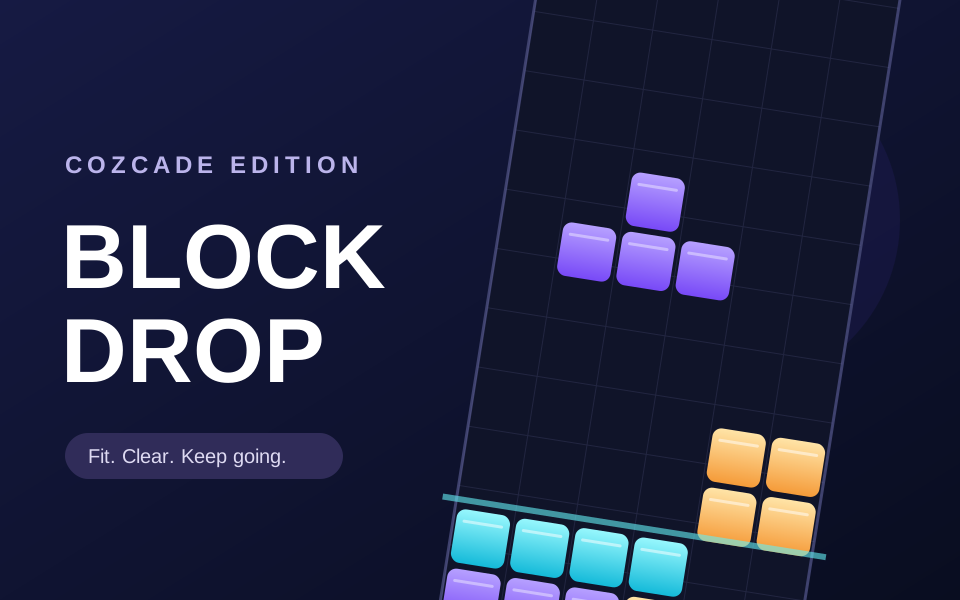
Arcade games
Best on desktop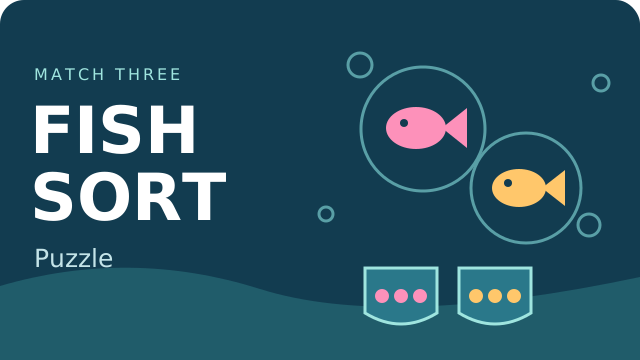
Puzzle games
Best on desktop
Matching games
Best on desktop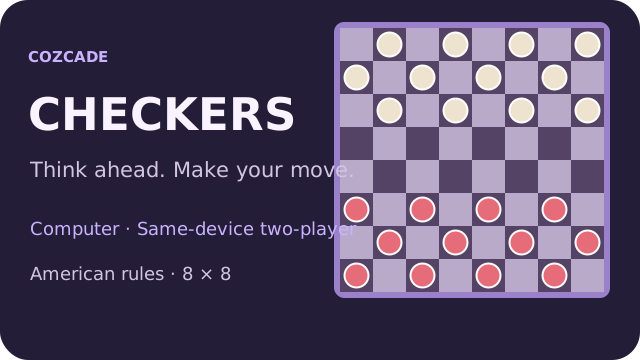
Puzzle games
Mobile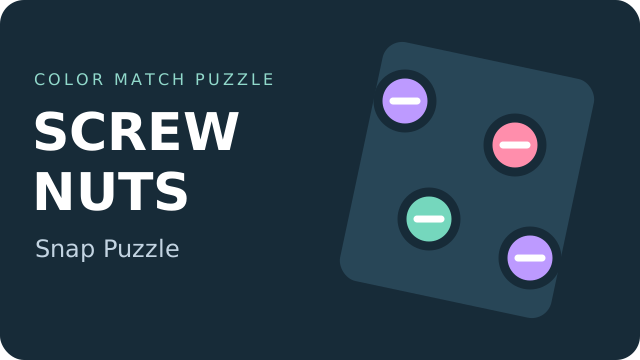
Puzzle games
Best on desktop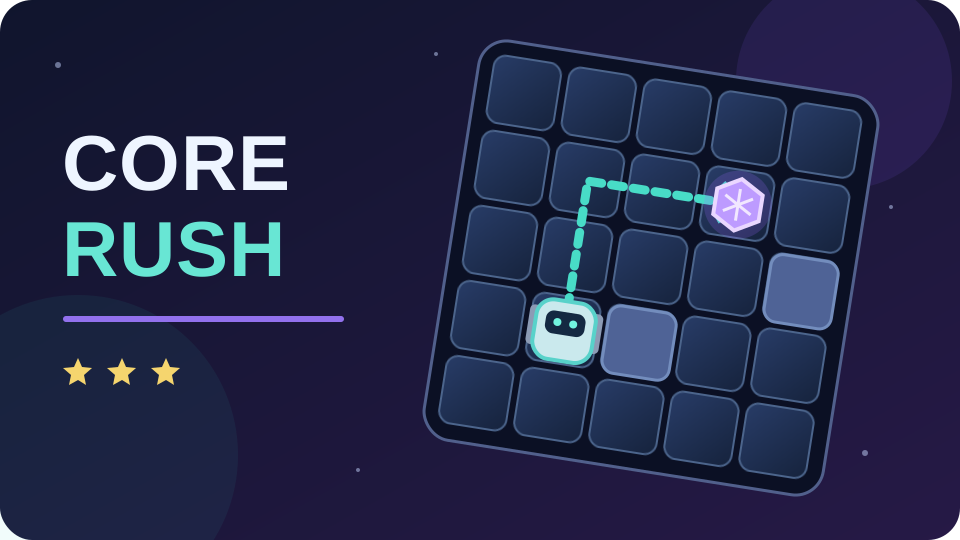
Puzzle games
Best on desktop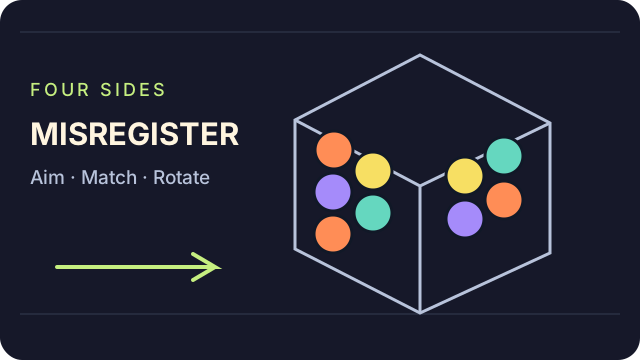
Puzzle games
Best on desktop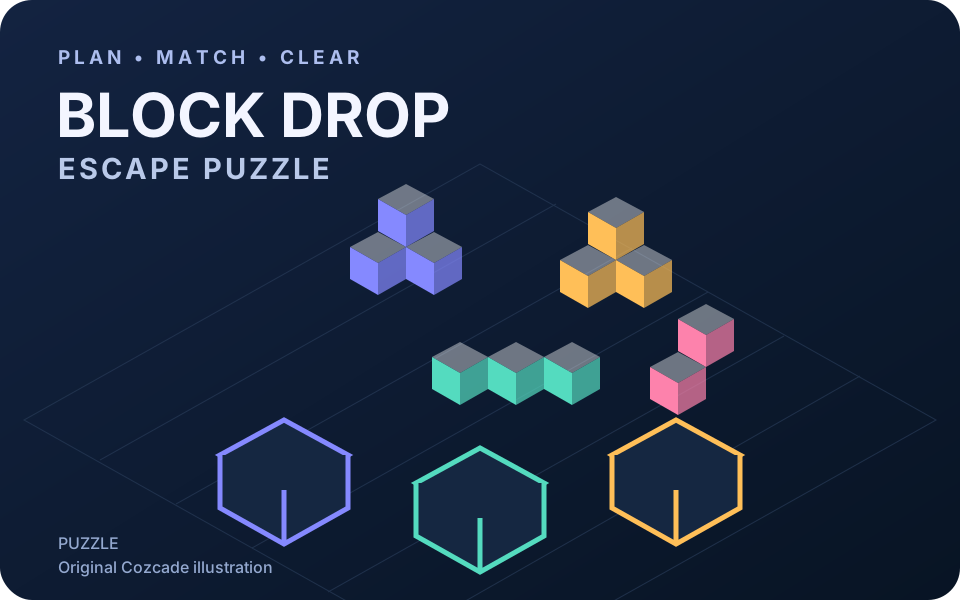
Puzzle games
Best on desktop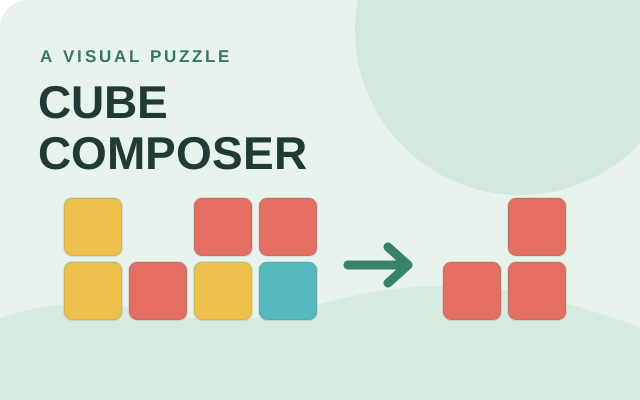
Puzzle games
Best on desktop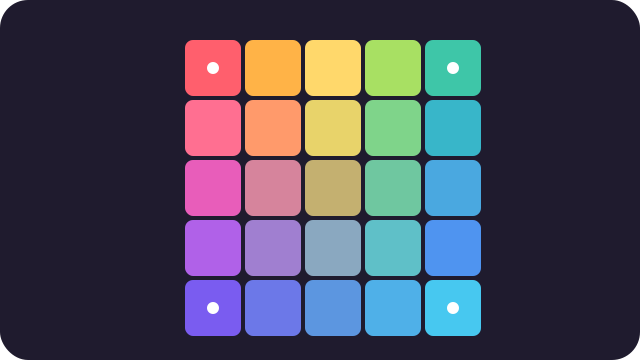
Puzzle games
Best on desktopTurn-based and real-time puzzles need different habits. In 2048, consider the whole board before sliding; in Color Match, inspect adjacent pieces and wait for cascades to finish. Hextris adds continuous arrivals, so timing matters alongside matching. Block Drop also rewards planning empty spaces, but pieces must fit into complete rows. Choose 2048 for deliberate number moves, Color Match for neighboring swaps, or Hextris for rotating color matches under pressure.
Swap bright pieces to line up matching colors. Build combinations and chase your personal best in a relaxed match-three puzzle.
Drag a piece onto a neighboring piece to swap them. Match at least three of the same color.
Slide, combine and think one move ahead. Merge equal numbers on a four-by-four board until you reach the 2048 tile.
Use arrow keys or swipe to slide the tiles. Equal tiles merge when they meet.
Move and rotate falling blocks to fill rows and earn points. Play with keyboard or on-screen buttons, pause or restart any time, and try to beat the best score saved on this device.
Use Left/Right or A/D to move, Up or W to rotate, and Down or S to drop faster. Space drops a block instantly. Press P to pause or R to restart; touch players can use the on-screen buttons.
Sort fish into matching tanks in Fish Sort Puzzle. Complete groups of three and keep the waiting tray clear as the available fish types change.
Click a fish inside a bubble. It moves to a tank requesting that fish type, or waits in the tray. Three matching fish complete a tank. Open the gear menu to resume, restart or return home.
Rotate a colorful hexagon to catch falling blocks. Match three colors and keep every side clear as the pace picks up.
Use left and right arrows, or tap either side, to rotate. Match three blocks of the same color.
Play free American Checkers against the computer or share one device with a friend. Practice mandatory captures, multi-jumps and kings with local saves on Cozcade.
Choose a mode and press New game. You play Red against the computer. Click or tap a piece, then a highlighted square; finish all jumps in the chosen chain. A piece that reaches the far row becomes a king and ends its turn. Use Undo to revisit a turn, Pause to stop computer work, and Resume to continue a saved match. Keyboard: arrows move focus, Enter or Space selects, Escape cancels selection.
Match colored screws to collection boxes in Screw Nuts Snap Puzzle. Choose accessible screws in a careful order and clear the stacked panels without filling every spare slot.
Click an accessible screw to remove it. Fill each same-color box with three screws. Spare slots hold unmatched pieces. Open the pause menu to restart or resume.
Slide a rover through CORE RUSH's puzzle rooms. Collect every core to open the exit, using walls to stop and change direction. Each slide counts as a move, so plan the whole route before chasing three stars.
Click or tap the title screen, select PLAY, then an unlocked room. Use arrow keys, WASD, mouse swipes or the direction buttons to slide until blocked. The in-game pause screen lists U for undo, R to restart and Esc to pause or resume. The publisher lists Z for undo, but U worked in our tested build.
Aim ink bubbles around a four-sided press in MISREGISTER. Match at least three of one colour, drop unsupported clusters and watch every page: each shot changes the face, while timed rows push all four pages toward the trim rail.
Choose START THE PRESS and read the first-run rules. The game describes dragging to aim and releasing to fire, or pointing and clicking. A/D and the TURN buttons rotate the four-sided block; P pauses, M mutes, and END finishes a round. The cover offers drift-speed and ink-colour settings. Use a keyboard and pointer for precise aiming; a mobile-ready listing is not a guarantee of touch support in every browser.
Choose which pieces to drop in Block Drop Escape Puzzle. Send blocks into boxes of the matching colour, keep the holding space available and clear the board. YIGOT’s puzzle is about order of dropping blocks and planning the next move.
Select PLAY, then click or tap a puzzle piece to drop its blocks. Match the blocks to the coloured boxes and check the limited holding space before choosing another puzzle piece. Use the settings, tools and level buttons shown inside the game. The publisher lists mouse and touch controls. Cozcade has not certified play on mobile devices or tested all levels.
Cube Composer is a visual puzzle game about composing functions. Change, remove and rearrange colored cubes until your result matches the target. This edition has 25 puzzles and saves progress in the current browser when storage is available.
In puzzle 0.1, choose Change yellow to red. In puzzle 0.2, choose Remove yellow. In puzzle 0.3, use Remove yellow followed by Add yellow on top. Use the arrows to reorder steps, Clear to start the current program again and Next puzzle to continue. The game interface is in English.
Daily Gradient is a free daily color puzzle: swap the tiles to rebuild a smooth color gradient from four fixed corners. A new puzzle every day, plus 4×4, 5×5 and 6×6 practice boards.
Press Play. Tap one tile, then another, to swap them; the four corner tiles are fixed and cannot move. Rebuild the smooth gradient in as few swaps as you can. Use Hint for one correct move, or turn on Show correct tiles. Switch to Practice for 4×4, 5×5 or 6×6 boards. Keyboard: arrow keys move, Enter or Space selects and swaps.
Arcade games turn a small set of controls into a repeating skill challenge. Timing a jump, returning a ball and placing a falling block feel different even when each game can be started quickly.
Creative browser games let you make a scene or test an idea without requiring a single correct answer. You can begin with a few objects, observe the result and change it at your own pace.
These games provide a focused task you can solve and repeat. They are practice experiences rather than certificates or a full course. Read each game’s goal and compare the visible result after changing your answer.
Action games ask you to react while the situation changes. Read the movement and aiming controls before the first encounter, and make sure your device supports those inputs.
Adventure games focus on discovery and changing choices. Progress may open an option that was absent at the start, so a small opening screen does not describe the whole game.
Simulation games let you explore how a fictional system behaves. Check whether the game has a campaign objective, a survival challenge or a sandbox before choosing a strategy.