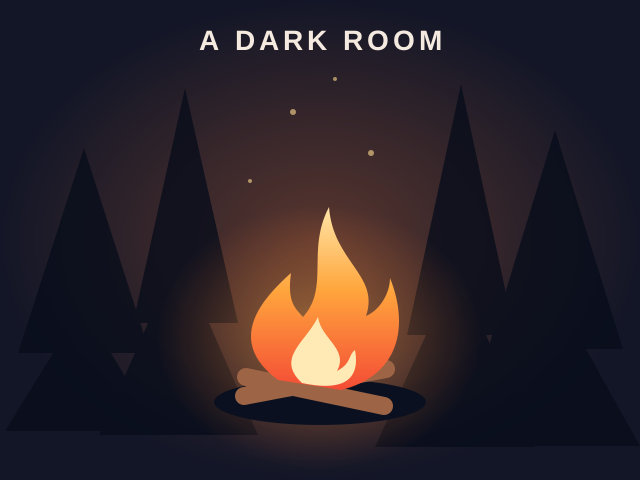
A Dark Room
Text adventure games
Best on desktopAdventure games focus on discovery and changing choices. Progress may open an option that was absent at the start, so a small opening screen does not describe the whole game.
Text adventure games
Best on desktop
Adventure games
Best on desktop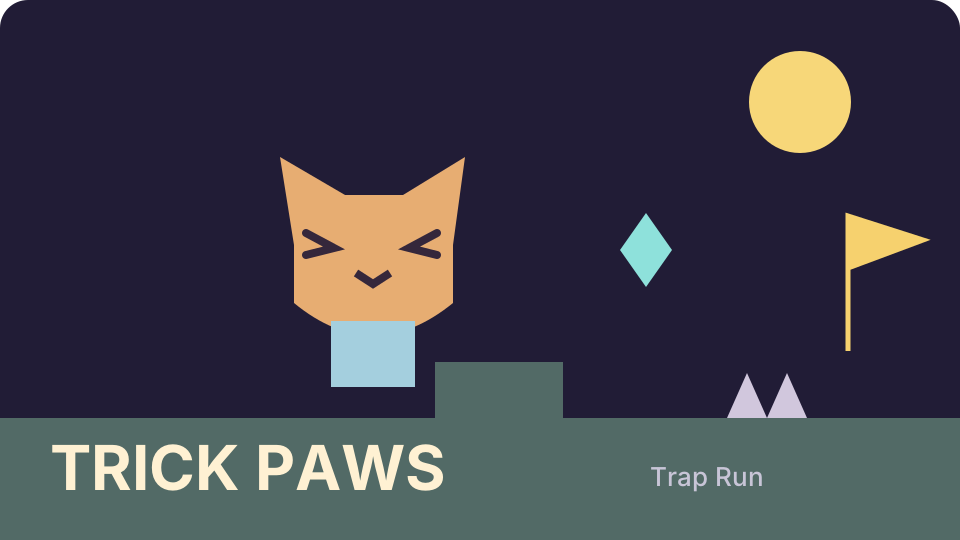
Arcade games
Best on desktopA Dark Room begins with a fire and gradually reveals resources, story and exploration. This edition saves locally and has no audio. The guide on its game page stays spoiler-light; read the changing text before repeating an earlier action.
Light a fire and uncover a world through a minimalist text adventure. This browser edition plays without sound and saves progress locally.
Click Light fire, then Stoke fire. Read the story and use the available buttons to gather resources and explore. Desktop recommended; this edition has no audio.
Explore a backyard as a tiny hero in MYKRO. Follow missions, gather resources and discover bugs while watching health, energy and hunger.
Press Enter on Play to begin. Use WASD to move, Shift to run, I for Pack, J for Missions and Esc for the menu. Follow the current mission.
Guide a small cat through TRICK PAWS: Trap Run, a platform game about deceptive terrain, double jumps and timed attacks. Collect gems and coins, pass checkpoints and reach the yellow finish flag.
Press Play, choose Rookie and an unlocked level. Move with Left/Right or A/D; jump with Space, W or Up, pressing again in the air for a double jump. X or F fires. P or Esc pauses, R restarts and M switches sound.
Puzzle games reward reading a situation and making a deliberate change. Some ask you to merge numbers, others to recognize colors or plan a route. Start with a game whose controls and pace match the kind of challenge you want.
Arcade games turn a small set of controls into a repeating skill challenge. Timing a jump, returning a ball and placing a falling block feel different even when each game can be started quickly.
Creative browser games let you make a scene or test an idea without requiring a single correct answer. You can begin with a few objects, observe the result and change it at your own pace.
These games provide a focused task you can solve and repeat. They are practice experiences rather than certificates or a full course. Read each game’s goal and compare the visible result after changing your answer.
Action games ask you to react while the situation changes. Read the movement and aiming controls before the first encounter, and make sure your device supports those inputs.
Simulation games let you explore how a fictional system behaves. Check whether the game has a campaign objective, a survival challenge or a sandbox before choosing a strategy.
Adventure games put more of their emphasis on discovering a situation and deciding what to do next. An opening screen can show only a small part of the choices that later become available. Action games focus more on responding while the situation changes, although a title can involve both kinds of decisions. Read the specific game's summary and controls to choose the experience you want. A text adventure may expose choices through words and buttons instead of movement through a visual scene. Do not assume it accepts typed commands unless its controls say so. Check the current screen after an action, since a newly available choice can be easy to miss.
Start with the action or question that is blocking your current attempt. The game's detailed instructions and matching guide are linked from its page, so you can read a specific explanation and return to the same playable edition. Avoid reading all later answers if discovery matters to you. Note what changed after the previous action and whether a new option or message appeared. This separates a missing decision from an input that genuinely did not register. If you need to report a problem, include the game URL and the step that failed without assuming that every slow opening is a bug. Account favorites and recent history help you return to a game; they are separate from the adventure's own saved progress.