Server Survival
Management games
Best on desktopThese games provide a focused task you can solve and repeat. They are practice experiences rather than certificates or a full course. Read each game’s goal and compare the visible result after changing your answer.
Management games
Best on desktop
Coding games
Best on desktop
Coding games
Best on desktop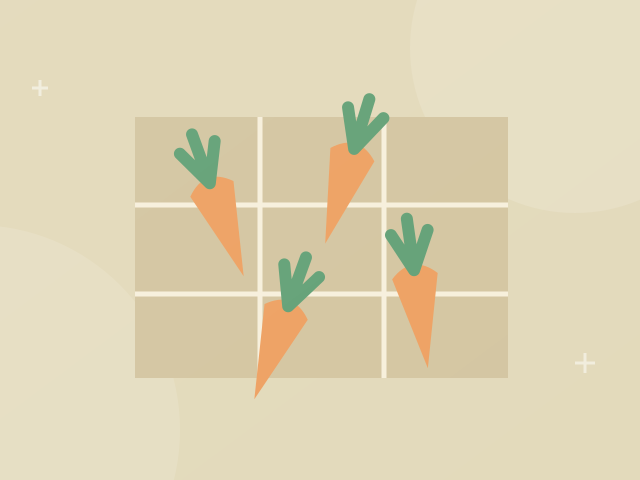
Coding games
Best on desktop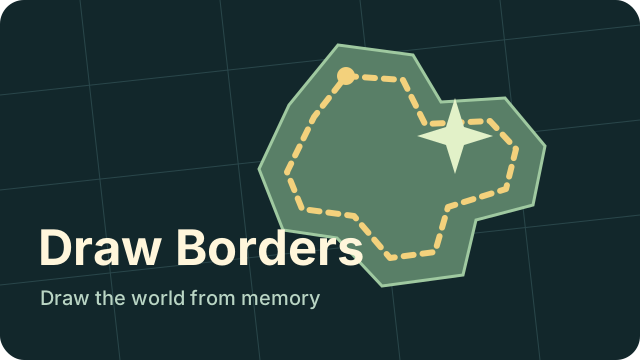
Learning games
Best on desktop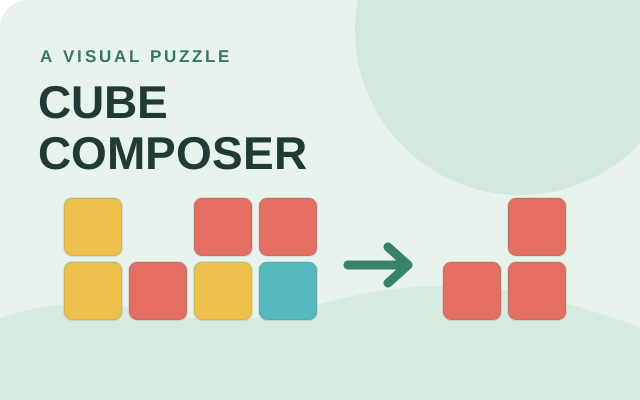
Puzzle games
Best on desktop
Coding games
Best on desktopMatch the game to the concept you want to practice. Flexbox Froggy arranges items along layout axes; Grid Garden places areas between grid lines; Elevator Saga responds to passenger requests with JavaScript events. Server Survival instead models resource management decisions. The layout games provide guided targets, while the simulations ask you to observe a changing system. Fix one rule or decision, rerun it and compare the outcome before adding another change.
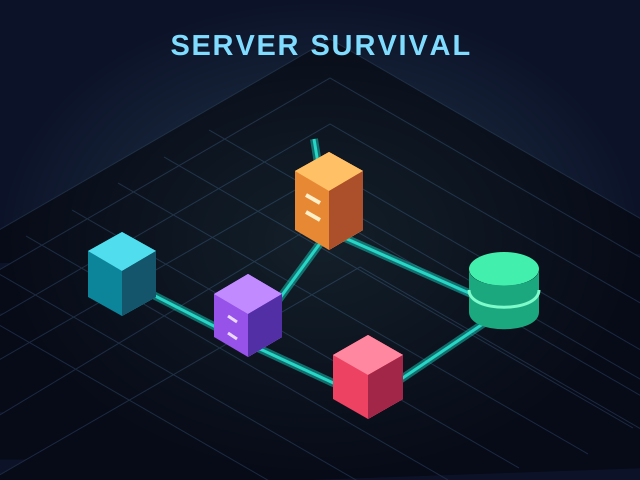
Build a virtual cloud and keep it running as traffic grows. Try survival, campaign or sandbox mode in this browser simulation; no real server is needed.
Choose a game mode. Select services from the toolbar, click to place them, and connect the network. Drag with the right mouse button to pan and scroll to zoom. Music is omitted; synthetic game tones remain. Internet → Firewall → Load Balancer → Compute → Database / Storage.
Program the elevators of a busy building. Write short JavaScript instructions to keep passengers moving and solve each challenge.
Edit the JavaScript init and update functions, then press Start. Use the API reference to move elevators efficiently.
Help little frogs reach their lily pads using CSS flexbox. Each level turns a layout rule into a playful logic puzzle.
Read the goal for each level, then type CSS into the editor. Complete the layout to unlock the next puzzle.
Grow a garden by guiding water to carrots with CSS grid. Solve each layout puzzle and make the garden flourish.
Read the goal for each level, then type CSS into the editor. Complete the layout to unlock the next puzzle.
Draw country outlines and shared borders from memory on a terrain map. Compare your drawing with the real boundary and practise the shapes you missed.
Read the prompt. Choose Draw to trace an outline or shared border, or Move to reposition the map. Use Undo or Clear to correct your answer, then Submit to reveal the result.
Cube Composer is a visual puzzle game about composing functions. Change, remove and rearrange colored cubes until your result matches the target. This edition has 25 puzzles and saves progress in the current browser when storage is available.
In puzzle 0.1, choose Change yellow to red. In puzzle 0.2, choose Remove yellow. In puzzle 0.3, use Remove yellow followed by Add yellow on top. Use the arrows to reorder steps, Clear to start the current program again and Next puzzle to continue. The game interface is in English.
VIM Master is an interactive keyboard game for learning Vim commands in short lessons. Work through movement, editing and search exercises in a simulated editor; your progress stays in this browser.
Choose Start Learning and click the editor. In the first lesson, type :q and press Enter. Continue to the next lesson and use h / j / k / l to move the cursor. Use Reset Level to restart the current exercise. The game interface is in English and requires a keyboard.
Puzzle games reward reading a situation and making a deliberate change. Some ask you to merge numbers, others to recognize colors or plan a route. Start with a game whose controls and pace match the kind of challenge you want.
Arcade games turn a small set of controls into a repeating skill challenge. Timing a jump, returning a ball and placing a falling block feel different even when each game can be started quickly.
Creative browser games let you make a scene or test an idea without requiring a single correct answer. You can begin with a few objects, observe the result and change it at your own pace.
Action games ask you to react while the situation changes. Read the movement and aiming controls before the first encounter, and make sure your device supports those inputs.
Adventure games focus on discovery and changing choices. Progress may open an option that was absent at the start, so a small opening screen does not describe the whole game.
Simulation games let you explore how a fictional system behaves. Check whether the game has a campaign objective, a survival challenge or a sandbox before choosing a strategy.