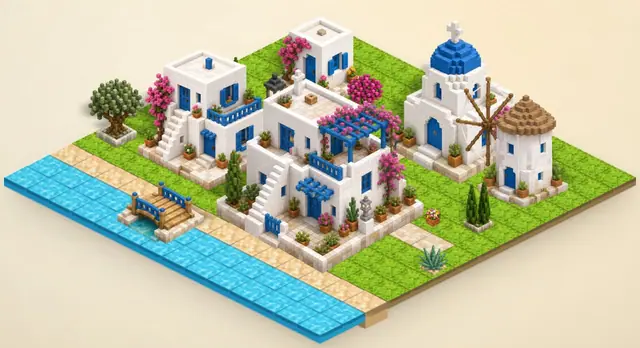
Mykonos Island Voxels
Building games
Best on desktopCreative browser games let you make a scene or test an idea without requiring a single correct answer. You can begin with a few objects, observe the result and change it at your own pace.
Building games
Best on desktop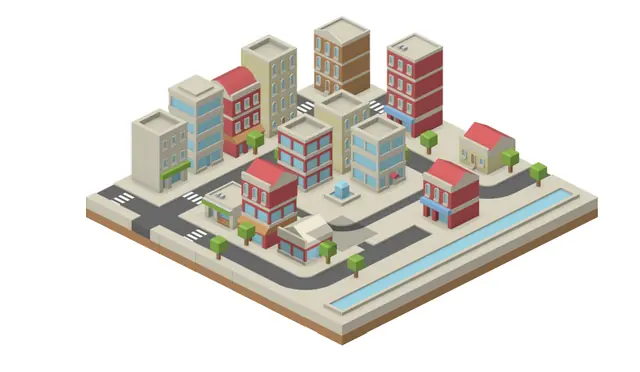
Building games
Best on desktop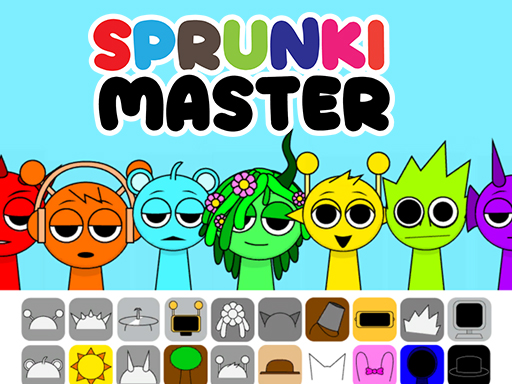
Creative games
Best on desktop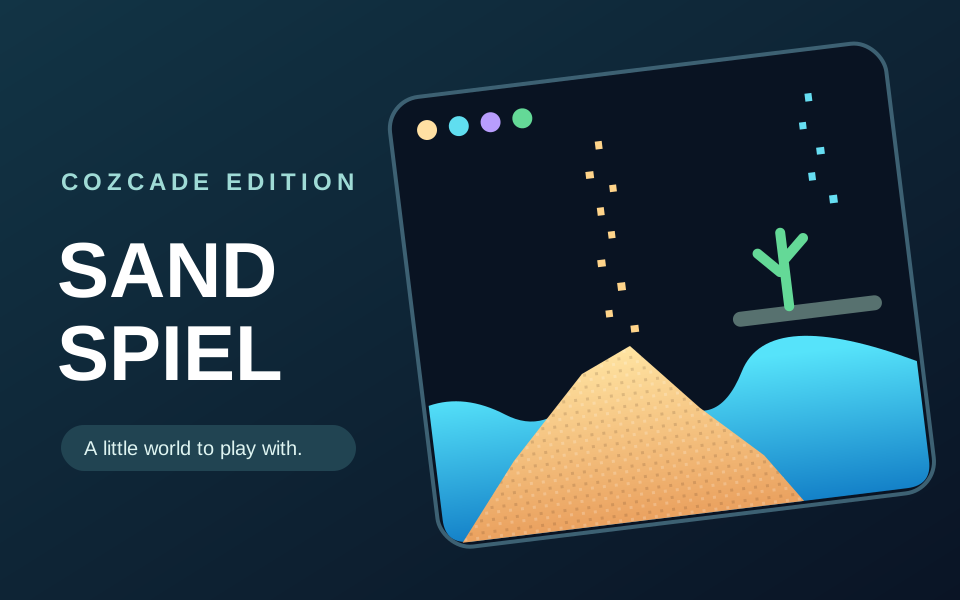
Creative games
Best on desktopChoose the kind of result you want to make. IsoCity places illustrated tiles on an isometric grid; Mykonos Island Voxels builds an island from pieces with depth; Sandspiel paints materials that move and react. A city layout, an island scene and a particle experiment require different controls and ways of judging progress. Start with one small scene or two materials, then add detail after you understand how that game changes the result.
Build a small island at your own pace in Mykonos Island Voxels. Choose terrain, trees, and buildings from the panel on the right, then place them on the grid to shape a scene. This quiet creative toy has no score or required objective. Your island is saved on this device automatically, and you can save it manually with S.
Choose an item on the right and click a cell to place it; drag to build continuously. Right-click to erase. Shift-drag to pan, scroll to zoom, and press S to save manually.
Build a miniature city one tile at a time. Place roads, water and buildings to make a small world of your own.
Choose a tile from the toolbar and click the map to place it. Combine roads, buildings, trees and water.
Build a looping mix by dragging sound icons onto seven characters. Play the Sprunki Master music-mixing version distributed by GameMonetize.
Press Play inside the game. If an ad appears, wait for its normal Skip Ad control. Drag a colored sound icon from the bottom row onto a gray character, then add another icon to layer your mix. Use Cozcade's Restart control to reload the game and start a fresh mix. Lower your volume before starting.
Paint with sand, water, stone, plants and other materials in a single-player canvas sandbox. Watch materials fall, flow and interact as you build small experiments at your own pace.
Choose a material, then drag across the canvas to paint. Pause the simulation to inspect the result, undo a stroke, or clear the canvas to begin again.
Puzzle games reward reading a situation and making a deliberate change. Some ask you to merge numbers, others to recognize colors or plan a route. Start with a game whose controls and pace match the kind of challenge you want.
Arcade games turn a small set of controls into a repeating skill challenge. Timing a jump, returning a ball and placing a falling block feel different even when each game can be started quickly.
These games provide a focused task you can solve and repeat. They are practice experiences rather than certificates or a full course. Read each game’s goal and compare the visible result after changing your answer.
Action games ask you to react while the situation changes. Read the movement and aiming controls before the first encounter, and make sure your device supports those inputs.
Adventure games focus on discovery and changing choices. Progress may open an option that was absent at the start, so a small opening screen does not describe the whole game.
Simulation games let you explore how a fictional system behaves. Check whether the game has a campaign objective, a survival challenge or a sandbox before choosing a strategy.