The best browser-game website for your next break depends on what you want to do. Start with a broad portal when you want to browse, an independent-creator directory when you want unusual projects, or a game-and-guide pair when you want help with a specific mechanic. This comparison covers six options and explains what to check before committing to a game.
This article is published by Cozcade and includes our own website. It is organized by player task, not a claim that Cozcade ranks above every alternative. We inspected the linked public pages on October 11, 2026. We have recorded short desktop play checks for Cozcade's selection, but have not completed equivalent gameplay, account, performance or mobile tests across the other five services.
Choose browser game websites by your next task
| Website | Useful starting task | Entry point | Check after choosing a game |
|---|---|---|---|
| Cozcade | Play a selected game and use its matching practical guide | Games and guides | Exact controls, supported device and the game's own save behavior |
| CrazyGames | Browse by genre, recent additions or what is featured | CrazyGames | The requirements of the selected title and any account-linked features |
| Poki | Explore a visual catalogue and choose a browser game | Poki | Whether its controls fit your screen and input device |
| Y8 | Explore a named category or a tagged collection | Y8 | Whether the title runs in your browser or has an additional requirement |
| itch.io | Discover games presented by independent creators | Games for Web | Creator notes, price, browser support, development status and instructions |
| Coolmath Games | Browse games around logic, thinking or a particular challenge | Coolmath Games | Whether the chosen game matches the skill or activity you want |
Cozcade: follow a game with a matching guide
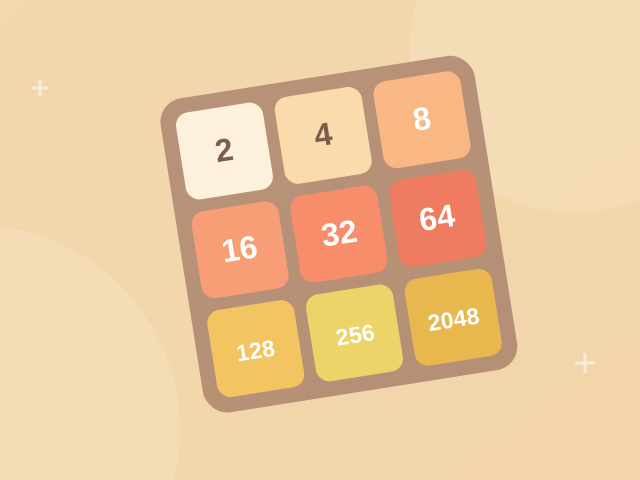
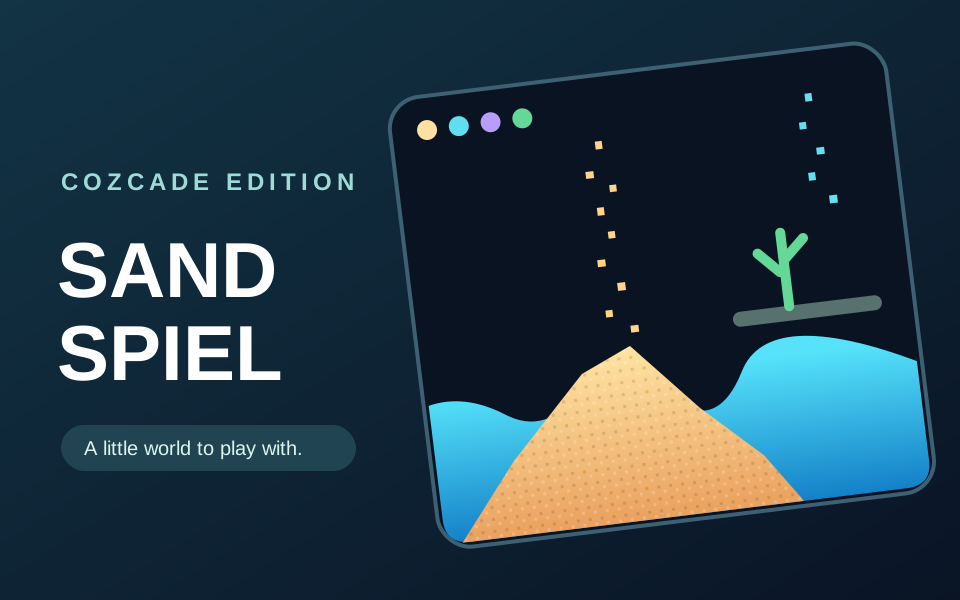
Cozcade combines a small playable catalogue with game-specific guides. A useful example is 2048 alongside its merge and practice guide. You can try a move, review the rule, then return to the same game. If you prefer experimenting with materials, Sandspiel has a corresponding guide.
The distinction to look for is between a playable game and an article about an external game. Cozcade also publishes guides for games that run elsewhere; their presence in the guide directory does not mean those original games can be played inside Cozcade. Start from the games catalogue when playing here is your goal.
CrazyGames: browse a broad portal by the kind of session you want
CrazyGames exposes genre navigation and discovery sections such as new, hot and updated games. Its public homepage also offers ways to explore different types of session. That makes it a useful place to browse when you have an activity in mind but have not chosen a title. Browse CrazyGames.
After finding a candidate, inspect that game's controls and any relevant help before starting. A portal's overall catalogue does not tell you whether one specific game fits your phone, offers a particular multiplayer mode, or stores progress through an account. Those are title-level questions, and we have not independently tested them across this service.
Poki: start from a visual catalogue
Poki's homepage is a direct entry to its browser-game catalogue. It is a reasonable starting point when you prefer selecting a recognizable game card instead of reading a long comparison first. Explore Poki.
For a useful personal comparison, pick one game that resembles an activity you already enjoy and check the input method. A game that looks simple in a thumbnail may still rely on precise pointer movement, a keyboard combination or a screen layout that is uncomfortable on your device. Judge the selected title rather than assuming every game on the portal has the same requirements.
Y8: narrow your search through categories
Y8's public navigation includes categories such as Arcade & Classic, Puzzle & Thinking, and Strategy & Defense, alongside new and popular games. These labels provide an organized route into its catalogue. Browse Y8.
Read the selected game's requirements carefully, especially when exploring older titles. The site also links to a separate Y8 Browser for Flash Games; a game appearing in a catalogue is not sufficient evidence that it runs in every modern browser without another component. We have not installed that browser or reviewed its individual compatibility claims for this comparison.
itch.io: read what the creator says about the exact project
The itch.io Web directory groups projects available for browser play. Its creator-oriented listings are useful when discovery includes unusual concepts or small independent projects. Explore games for Web on itch.io.
Go beyond the cover image: read the project's description, controls, status and any content guidance. “Playable in a browser” does not tell you that the project is finished, free, suitable for every audience or comfortable on a phone. A creator's page also gives you context that a generic list can miss. If a project offers both a browser build and downloads, make sure the instructions refer to the version you intend to use.
Coolmath Games: choose a thinking challenge, then inspect the instructions
Coolmath Games presents its catalogue around learning and fun, with routes into different kinds of game. It is another starting point for someone seeking a logic or thinking activity rather than a particular commercial title. Visit Coolmath Games.
Choose the game by the action you want to practise: planning, recognizing a pattern, or working through a sequence. A brand or category label alone does not establish that every title teaches a specific school topic or is appropriate for every age. Read the individual instructions and decide whether the actual activity matches your goal.
Four checks matter more than a universal ranking
Input: Look for the exact keys, pointer actions or touch gestures. If you cannot perform the basic action comfortably, choose another title before investing time in it.
Progress: Distinguish an account bookmark from a save file. A favorites list can help you reopen a game without transferring its internal board, level or score. Check the selected game's own explanation before switching browsers or devices.
Session: Decide whether you want a short challenge, an open-ended sandbox or a longer campaign. “Browser game” describes how it runs, not how long a satisfying session takes.
Requirements: Check downloads, sign-in prompts, advertising and optional purchases at the point where they become relevant. This article does not claim that every title on any listed service is ad-free, account-free or identical on mobile and desktop.
Which should you try first?
For a concrete game-and-guide pair, try one on Cozcade. For a wider browsing session, compare a category on CrazyGames, Poki or Y8. For creator-led discovery, start with itch.io's Web filter. For a thinking challenge, inspect an individual title on Coolmath Games.
You do not need to choose one permanent website. Pick a game that fits your next task, verify its controls and progress behavior, and return to a guide when you need a specific answer. This is an editorial selection based on the stated review scope, not a traffic ranking, safety certification or speed benchmark.
Games you can play on Cozcade
Device and progress questions
Does a Cozcade account save every game's progress?
Account favorites help you keep a list of games. A game's internal board, score or lesson progress is separate and depends on that game's storage features. Do not assume that signing in transfers a save between browsers or devices. Check the instructions for the exact game and version.
Can clearing browser data remove my game progress?
Removing stored data for the site or game can erase locally saved progress. Browser settings distinguish cached files from cookies and other site storage, although a cleanup option may remove several kinds together. Check what you are deleting, and use a game's documented export feature if it has one before removing data.
Which games work on my device?
Use the device options in the game catalogue, then read the controls on the selected game's page. Some activities need a keyboard or precise pointer input. A page loading on a phone does not by itself confirm that the game is comfortable to play with touch.