For a quiet creative break, start with Sandspiel. For a small planning challenge, try 2048. For a faster test of timing, choose Hextris or Breakout. These six picks are available on Cozcade without a mandatory account, and each has a matching guide when you want more than a short game description.
This selection is published by Cozcade and links to games we host. It is an editorial choice by activity, rather than a global popularity ranking. Our recorded desktop checks cover starting and playing a short session. They do not establish every level, long-session stability or identical controls on every phone.
Choose by what you want to do
| Game | Choose it for | What you do | Play and learn |
|---|---|---|---|
| Sandspiel | A creative break | Place materials and watch them interact | Play · Guide |
| 2048 | Number planning | Slide the board and merge equal tiles | Play · Guide |
| Hextris | Timing and matching | Rotate a hexagon to catch and combine colors | Play · Guide |
| Breakout | An arcade challenge | Move the paddle and return the ball toward bricks | Play · Guide |
| Color Match | Pattern planning | Swap adjacent pieces to make matches of three | Play · Guide |
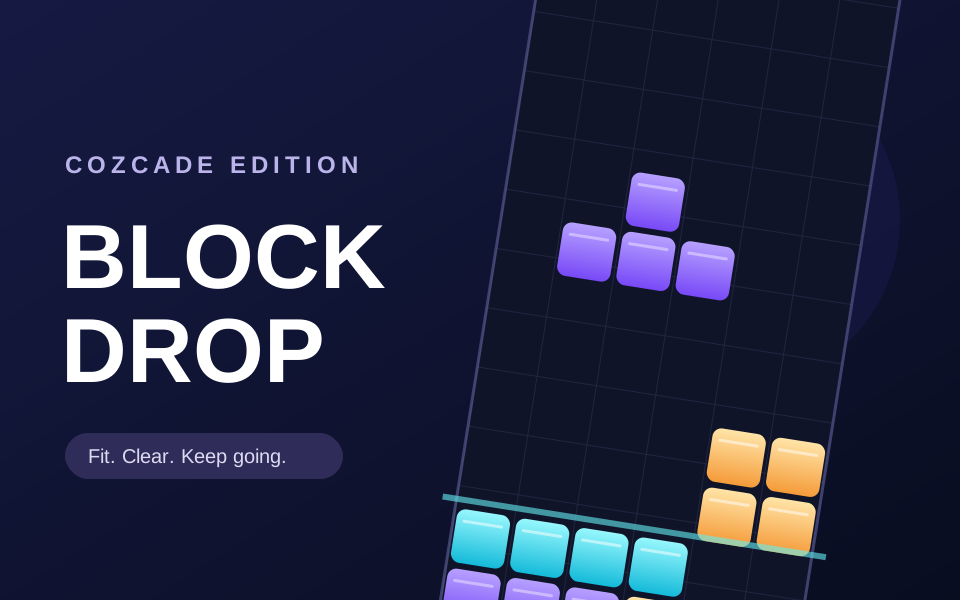
| Block Drop | Spatial planning | Place falling pieces and complete lines | Play · Guide |
Sandspiel: make something without chasing a score
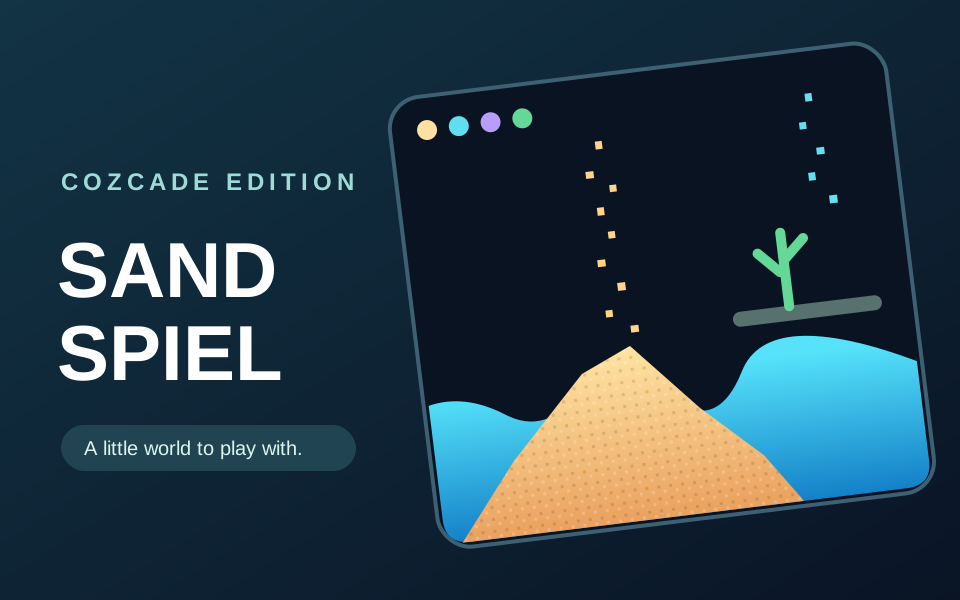
Sandspiel is a falling-material sandbox. You choose a material, place it in the scene and observe what happens. It suits a break when you would rather experiment than race toward a finish line.
Begin with a small amount of one material. Add another only after you have seen the first behave. This gives you a useful comparison, instead of a crowded scene in which it is hard to tell what caused a reaction. The matching guide provides ideas for observing those changes.
2048: make one deliberate move
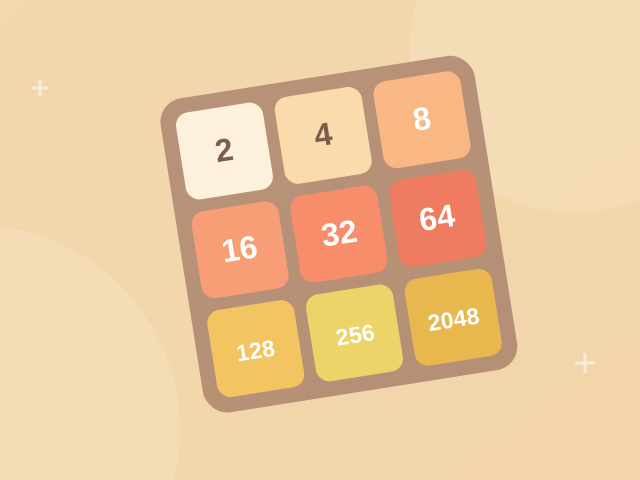
2048 gives you a four-by-four board of number tiles. A move slides the board in one direction; matching tiles can combine, and a successful board change introduces another tile. The challenge comes from planning the next board state, rather than clicking the tile you want to merge.
For a small practice goal, keep your largest tile near one corner and watch the empty squares. This is a strategy to explore, not a guarantee of winning. Our guide includes single-move examples so you can learn a merge rule before returning to the game.
Hextris: read the next color and position
Hextris asks you to rotate a central hexagon to receive falling colored blocks. Matching colors matters, but so does the space left on each side. A rushed rotation can create a stack that is difficult to recover from.
Start by identifying the incoming color and the side that can receive it. After a failed run, choose one decision to review instead of trying to diagnose the whole session. The guide separates the controls, matching rules and practice suggestions.
Breakout: follow the return path
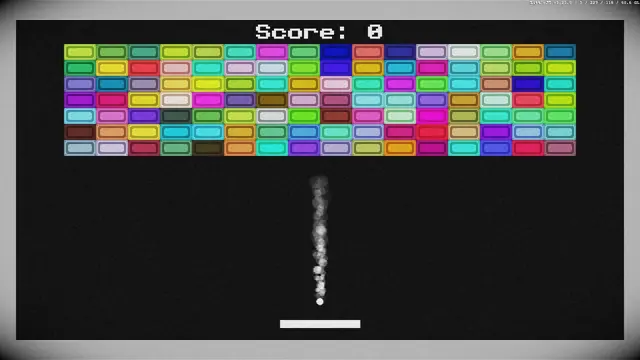
Breakout uses a paddle to keep a ball in play while clearing bricks. The next useful action is usually determined by the ball's return path, not the brick you would like to remove.
Watch the ball as it comes back toward the paddle. Learn the movement controls before trying to speed up your reactions. If you lose a run, use the next attempt to practise positioning rather than simply moving faster.
Color Match: inspect the board before swapping
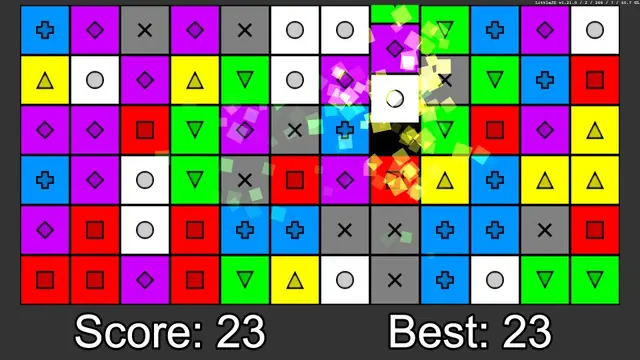
This Cozcade version of Color Match is a match-three puzzle. Swap adjacent colored pieces to form a match, then watch the resulting board: a match can trigger another match and increase your score. Our recorded short session confirmed both a swap and a scoring chain.
Look for a row or column that is one piece away from a match. Compare possible adjacent swaps before making your choice, and observe how the board changes after a chain. Use the guide for this specific version rather than instructions for another game with the same name.
Block Drop: leave room for the next piece
Block Drop turns falling pieces into a placement problem. Clearing lines is only part of the task; the shape of the space you leave affects the pieces that arrive afterward.
Use an early round to observe movement and placement. Avoid creating a narrow gap unless you understand how it can be filled. The guide offers a separate practice route, while the game page keeps the full control instructions nearby.
Do I need to register or install anything?
An account is not required to start these Cozcade games, and there is no separate game installer to manage. Open a game page, read the controls and start the player. The page identifies supported devices and the game's own language.
A Cozcade account can save your favorites. That is different from transferring game progress: a game's board, scene or score may be stored in the current browser and does not automatically move to another device when you sign in.
How we chose the best free browser games for a quick break
We selected published games that serve different activities and have a matching Cozcade guide. We keep original creator and source information available on the relevant game pages. A Cozcade edition label identifies our hosted adaptation; it does not claim that we invented the original game.
Use this list to choose a starting point, then read that game's device and control information. For more options, visit all games, puzzle games or the guide directory.
Games you can play on Cozcade

Device and progress questions
Does a Cozcade account save every game's progress?
Account favorites help you keep a list of games. A game's internal board, score or lesson progress is separate and depends on that game's storage features. Do not assume that signing in transfers a save between browsers or devices. Check the instructions for the exact game and version.
Can clearing browser data remove my game progress?
Removing stored data for the site or game can erase locally saved progress. Browser settings distinguish cached files from cookies and other site storage, although a cleanup option may remove several kinds together. Check what you are deleting, and use a game's documented export feature if it has one before removing data.
Which games work on my device?
Use the device options in the game catalogue, then read the controls on the selected game's page. Some activities need a keyboard or precise pointer input. A page loading on a phone does not by itself confirm that the game is comfortable to play with touch.