The q1.pieter.com project opens QuakeWorld multiplayer in a browser. Entering a player name and selecting Play loaded a multiplayer scene in our desktop check on 11 October 2026. Escape showed an in-game menu. We did not complete a match or validate every control. This guide helps you identify that project and its launch steps without presenting it as a fully tested single-player campaign.
Which Quake browser project is this?
The Quake 1 entry in the Radiant Optimizer list points to this QuakeWorld multiplayer client. Its own page credits pieter.com and FTE QuakeWorld, and describes an unofficial, non-commercial preservation project. That identity is more precise than calling every Quake browser link the same game. Public access does not by itself give Cozcade commercial embedding or game-asset rights.
A multiplayer scene is different from a single-player campaign, even when familiar graphics appear. If you want a particular campaign, mod or server ruleset, check the actual project’s description before joining. This observation does not prove the availability of a requested episode, map or mode. The Radiant Optimizer software is not required to follow the project link.
Enter a player name and join
Open the project page in a desktop window. The visible form has a player-name field and a Play button. Use a nickname you are comfortable displaying to other players, then choose Play. This is a game-entry form, not a request for your Cozcade password. We reached a multiplayer scene using that sequence; we did not test every future server state or connection condition.
Wait for the page to finish loading before checking input. Keep track of whether you are still at the name form, looking at a loading message, in a scene or in a menu. Those states identify different parts of the launch process. If a join fails, record the visible message and exact URL before retrying once. A project page loading successfully does not establish that its multiplayer connection is working at that moment.
Keyboard, mouse and menu
Escape opened the in-game menu in our check. Use the project’s current menu to inspect input settings and available actions before assuming that a key binding from another Quake client applies. Our recorded check does not establish a complete default control map. A desktop mouse and keyboard are the inputs used here; mobile controls remain untested.
Click deliberately in the active game when it asks for mouse capture. If the pointer remains free, determine whether you are at a menu or an active scene before treating it as an input failure. Keep browser protections enabled. When you want to leave, return to the menu or close the project tab; the Cozcade guide stays in its own tab and does not keep a hidden game instance running.
Multiplayer and the limits of this check
| Observed action | What it establishes |
|---|---|
| Enter nickname and select Play | Reached a multiplayer scene on 11 October 2026. |
| Press Esc | An in-game menu appeared. |
| Finish a match or test all controls | Not done in this check. |
| Test phone, gamepad or long-session stability | Not done in this check. |
We make no claim about current player counts, ranking accuracy, ping or all-day reliability. A live scene at one time is useful evidence of a launch, but it cannot guarantee that another player will join or that every match finishes. If you report a later result, include the browser, date, project URL, last screen and the action you tried. Keep it tied to that session.
Other entries in the original list
Quake II and Quake III have separate project addresses. A QuakeWorld scene cannot validate their engines, file requirements or input support. The source label Unreal Tournament also needs correction: its destination identifies Urban Terror by FrozenSand. Use the complete source list to find those distinctions rather than carrying a title from one project to another.
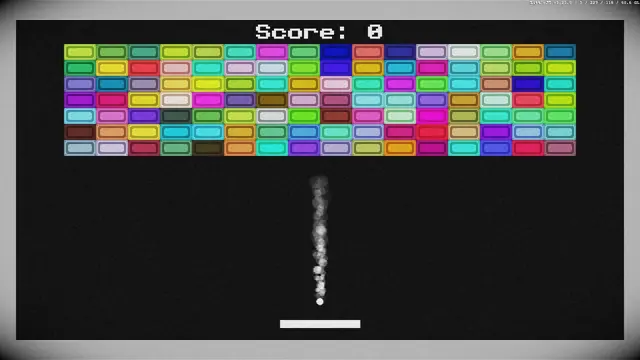
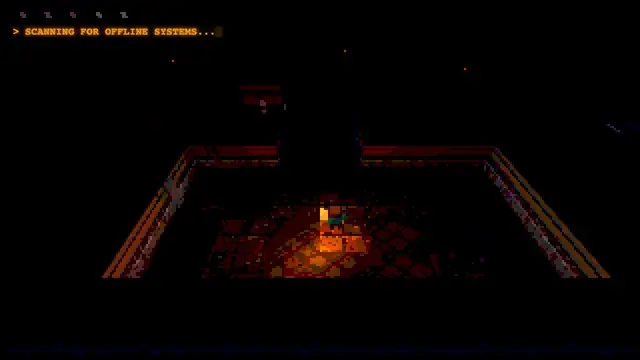
For a different game that runs on Cozcade, Underrun offers a keyboard action session with its own instructions. Breakout offers a short arcade alternative. Our BO1 Zombies launch guide and Surfd setup guide explain other external projects, each with its own observations and limits.