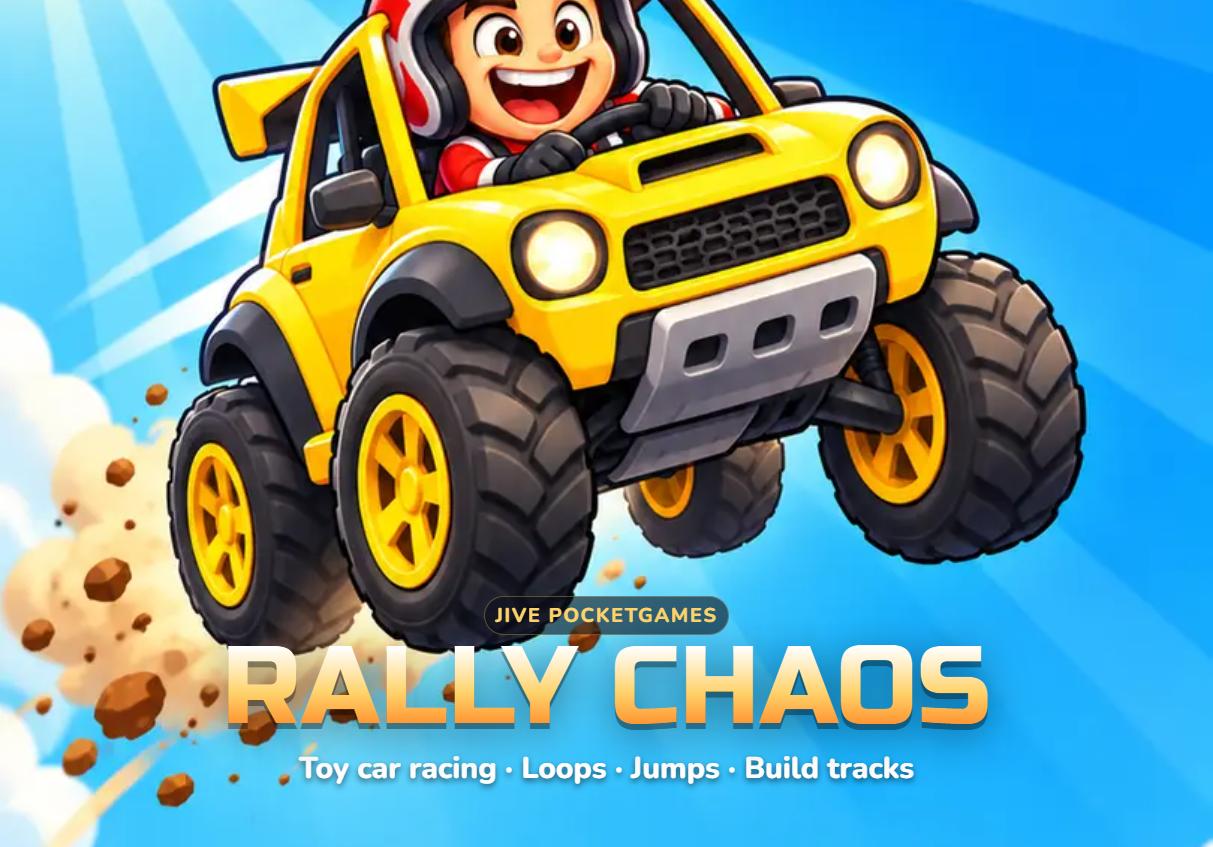
Start with the official browser version
Rally Chaos is a toy-car racing game by Jive PocketGames. Cozcade opens the author-approved version at rally.jive.no after you choose to connect. The game runs in an external frame; it does not require a Cozcade account. Its own language selector offers English and Norwegian, independently of the language you use on Cozcade.
A first visit starts a tutorial. Let it introduce the track and controls, then return to the menu for Race now, Cup, Choose track, Daily track, Garage or Track workshop. Race now selects a short race. This guide describes the browser build checked on 14 October 2026; the author can update that build without notice.
Steer, brake and use items
The car drives forward automatically, so the main task is steering through corners and avoiding hazards. In Screen halves mode, hold the left or right side of the game. Keyboard players can use Left and Right to steer, Down to brake and Space or Up to activate an item they have collected. Escape returns to the menu. Click inside the game first so that your keyboard input reaches it.
Settings includes Screen halves, Drag and Tilt controls, steering assistance and difficulty. Easy difficulty with Strong assistance is a useful starting point; decrease assistance when you can follow the road comfortably. Tilt depends on the device and browser and is not verified here. Sound and music can be switched off without leaving the game.
Pit stops and race results
Watch the lap counter, position and timer rather than treating every jump as a shortcut. Loops, boosts and obstacles can change your line. A flat tyre warning points you toward the PIT area. Steering sharply off the road costs time, so make small corrections and brake before a difficult bend.
The result screen shows your finishing position, race time, coins and car damage. Stars reflect the displayed podium, off-road and gold-time objectives. Use Again to repeat a race, Menu to choose another mode or Garage to inspect the car. Coins here are in-game progress; they are not Cozcade credits, cash or a reward you can withdraw.
Daily track, ghosts and the workshop
Daily track offers a dated course and an individual best-time challenge. Its ghost represents your own best run rather than a verified global ranking. Check the date shown in the game before comparing attempts. Browser clock, local state and future author updates can affect what is displayed; Cozcade does not publish a separate reset timer or global leaderboard.
Track workshop lets you start a new course or work from an available track. The road must form a closed loop before you can race it. The editor supplies road pieces and hazards, and has its own test, save and sharing controls. A shared track link or code is not an invitation to multiplayer racing. Keep a copy of a track code you value, and do not assume it backs up every setting or race result.
Local saves and loading help
The author says progress, ghosts, settings and custom tracks are saved locally in the browser. The reviewed web source uses local storage. Reopening the same game in the same browser can retain that progress; clearing site data, private browsing or blocked third-party storage can prevent it. Signing in to Cozcade does not synchronize the external game’s saves, and a direct visit to the author’s site may use a different storage partition from this embedded page.
If the game does not respond, click inside it and check whether a tutorial or menu is covering the track. If loading fails, stop the external game and retry once with a stable connection. Reloading can interrupt a race. Browser purchase and advertisement buttons are test features according to the author’s privacy page; the separate mobile apps have their own advertising and store terms. Cozcade preserves the game’s More games and app-store links.
Tips for your first races
- Use small steering corrections and brake before sharp corners.
- Try Easy and Strong assistance before increasing difficulty.
- Compare attempts on the same track and settings.
- Keep the same browser for local progress, and export important custom track codes.
Rally Chaos questions
Is this an official game build?
It is the browser build supplied by Jive PocketGames at rally.jive.no, embedded with the author’s permission. Cozcade has not modified or rehosted the game.
Do I need to register or pay?
No Cozcade account or payment is needed to start the browser game. The author describes browser purchases and advertisements as tests. App-store links lead to separate products and terms.
Does my Cozcade account save my racing progress?
No. The external game’s local progress is separate from Cozcade favorites and your Cozcade account. Browser privacy settings and storage partitions may affect save persistence.
Can I play on a phone?
The author provides touch controls. This initial Cozcade release is verified on desktop; real-phone gameplay and Tilt controls are still awaiting verification. Use a supported desktop browser if your phone cannot operate the game.
Why does the game open a new tab?
The author’s privacy and app-store links can open external tabs after you select them. Cozcade keeps these links available as required by the author. You can close that tab and return to the game.