 Play Block Drop Escape Puzzle
Read the boxes before dropping blocks
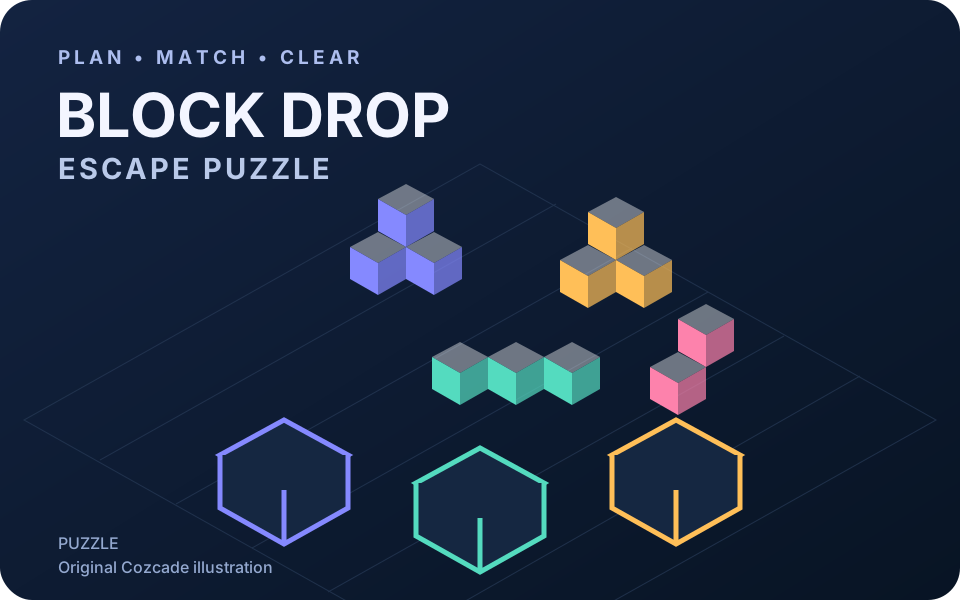
The goal is to clear the board by filling boxes with blocks of the same colour. Before a move, compare the colours waiting on the board with the boxes that are ready to receive them. A piece that looks easy to select is not automatically the best next move: its blocks still need somewhere to go. Think about the destination before the drop.
In our desktop test of the current v1.0.2 build, Level 1 had two purple groups and two yellow groups. We cleared it in four taps: the front purple group, the right yellow group, the left yellow group, then the rear purple group. Wait for the falling blocks to finish and check the receiving boxes between moves. LEVEL CLEAR confirmed the result. This is an observed tutorial example for that layout, not a universal sequence for later levels.
Protect the holding space
The publisher describes a limited holding area. Treat an empty place there as room to recover from a colour that cannot be used immediately. If a move sends blocks into that space, check whether your next move can help clear them. Spending every available place on colours that have no immediate destination can leave you with fewer useful choices.
Compare two possible drops before committing. Prefer the one that fills a ready matching box or keeps more options open. A temporary detour can be sensible when it unlocks a useful piece, but the available holding space must support the detour. The exact level layout matters; a sequence that worked on one board is not a universal walkthrough.
Retry deliberately and understand progress
The cog opens Settings. Its X closes the panel and returns to the current board; Restart resets the current level. We checked this in Level 2 by dropping the front yellow group, opening and closing Settings, then choosing Restart and seeing that group return. Restart used a heart in that test and the provider showed a normal advert before resuming. We did not click the advert or the optional Unlock free offer; that offer can be closed with X.
After LEVEL CLEAR, Next level advances to the next board. Reloading and reconnecting in the same test browser returned us to a PLAY menu labelled Level 2, with the remaining hearts retained. That confirms the reached level in this session, not recovery of every move or a cloud backup. The publisher lists 71 levels; we have not tested them all. A Cozcade account does not synchronize this game’s save. Clearing site data or changing browsers can remove access to local progress.
Plan the next drop
Tick a tip to focus on in your next run. This checklist does not change your game or save progress.
Block Drop Escape Puzzle questions
Is this a falling-block game controlled with arrow keys?
The official controls are clicking or tapping pieces to release their blocks into matching-colour boxes. Plan the order of dropping blocks rather than assuming the controls of a different block game.
How many levels are there?
The current publisher listing describes 71 levels. Cozcade has not verified every level or promised that later updates keep the same count.
Does my Cozcade account back up my progress?
No. The publisher describes progress in the current browser. Cozcade does not synchronize that save, and cross-device or cloud recovery has not been confirmed.
Device and progress questions
Does a Cozcade account save my Block Drop Escape Puzzle progress?
A favorite is a saved link to Block Drop Escape Puzzle, not a backup of your progress. Internal saves depend on the game's own storage. Signing in to Cozcade does not by itself transfer a board, score or lesson between browsers or devices. Use this Block Drop Escape Puzzle guide to check the exact edition and its instructions.
Can clearing browser data remove my Block Drop Escape Puzzle progress?
Removing cookies or site storage used by Block Drop Escape Puzzle can erase local progress. Cached files are a separate category, although browser cleanup options may remove several categories together. Check the selected data categories first. If this edition documents an export feature, save an export before clearing storage.
How can I check whether Block Drop Escape Puzzle works on my device?
Read the Block Drop Escape Puzzle controls and use the catalogue's device options before starting. A keyboard or precise pointer may be required for a particular action. This Block Drop Escape Puzzle guide records the scope of available checks; a successful desktop start does not establish comfortable touch play on every phone.
Block Drop Escape Puzzle guide: sources and edition
By Cozcade
- Current edition
- gm-zef4dbx8-v1.0.2-9d3dd5101638-20261026
The original source and current Cozcade edition are linked here. A recorded short desktop session does not establish every level, long-session stability or every phone.