 Play Fish Sort Puzzle
Controls and full game instructions
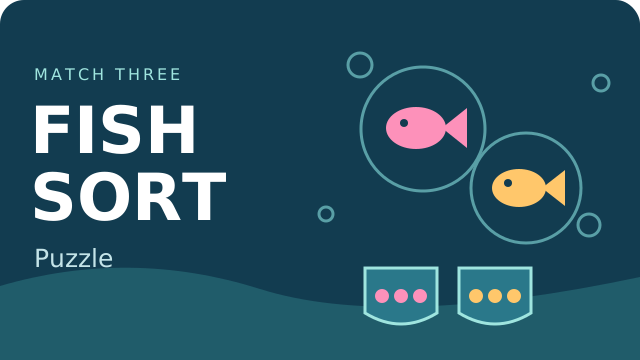
Sort fish into matching tanks in Fish Sort Puzzle. Complete groups of three and keep the waiting tray clear as the available fish types change.
Click a fish inside a bubble. It moves to a tank requesting that fish type, or waits in the tray. Three matching fish complete a tank. Open the gear menu to resume, restart or return home.
First-run tips
Read the fish icons below the open tanks before selecting a bubble. Finish a requested group before filling the tray with unmatched fish. Bubbles move after a group is cleared, so check their new positions.
The first level has nine fish in three groups. Follow the tap-to-continue tutorial, finish the pink and blue groups, then collect the yellow fish when their tank becomes available. No booster is needed for this first level; later levels and booster costs have not been fully reviewed.
First-run tips
Tick a tip to focus on in your next run. This checklist does not change your game or save progress.
Fish Sort Puzzle questions
Do I need a Cozcade account?
No account needed. This game is hosted by an external publisher. Playing connects to their services and privacy policy.
Does Cozcade synchronize my progress?
No. The publisher describes progress saved in the current browser. Cozcade does not synchronize this external save. Changing browsers or clearing site data can affect progress.
Are all helper buttons free?
Do not assume so. Some helpers are locked to later levels, and video-marked features can show publisher advertisements. Inspect the label before choosing an optional feature. Publisher interstitials can also interrupt transitions.
Device and progress questions
Does a Cozcade account save my Fish Sort Puzzle progress?
A favorite is a saved link to Fish Sort Puzzle, not a backup of your progress. Internal saves depend on the game's own storage. Signing in to Cozcade does not by itself transfer a board, score or lesson between browsers or devices. Use this Fish Sort Puzzle guide to check the exact edition and its instructions.
Can clearing browser data remove my Fish Sort Puzzle progress?
Removing cookies or site storage used by Fish Sort Puzzle can erase local progress. Cached files are a separate category, although browser cleanup options may remove several categories together. Check the selected data categories first. If this edition documents an export feature, save an export before clearing storage.
How can I check whether Fish Sort Puzzle works on my device?
Read the Fish Sort Puzzle controls and use the catalogue's device options before starting. A keyboard or precise pointer may be required for a particular action. This Fish Sort Puzzle guide records the scope of available checks; a successful desktop start does not establish comfortable touch play on every phone.
Fish Sort Puzzle guide: sources and edition
By Cozcade
- Current edition
- gm-diiob6luzs7-3eae7ffe3069-20261020
The original source and current Cozcade edition are linked here. A recorded short desktop session does not establish every level, long-session stability or every phone.