Dino Runner
Runner games
Best on desktopRunner games keep the scene moving and ask you to respond at the right moment. Early inputs can be as troublesome as late ones; the useful cue is often the distance to the next obstacle.
Dino Runner uses jumping and keyboard ducking rather than a freely steered character. Start with a short practice run and learn one obstacle pattern at a time. The game page explains the difference between keyboard and touch input.
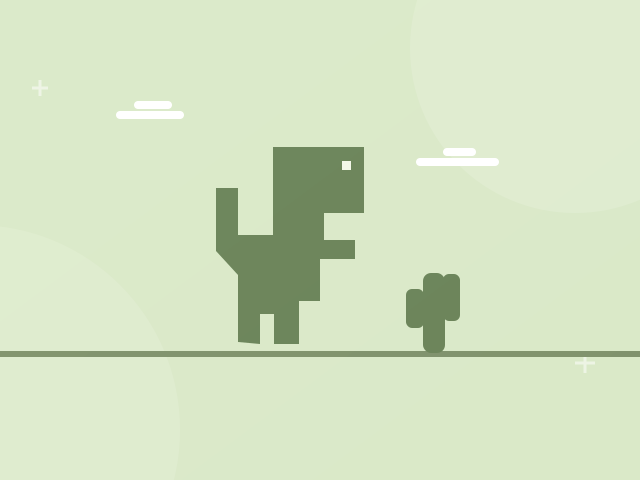
A tiny dinosaur, a long desert and one more jump. Hop over obstacles and see how far you can run.
Press Space or Up to jump; press Down to duck. On touch devices, tap the game area to jump.
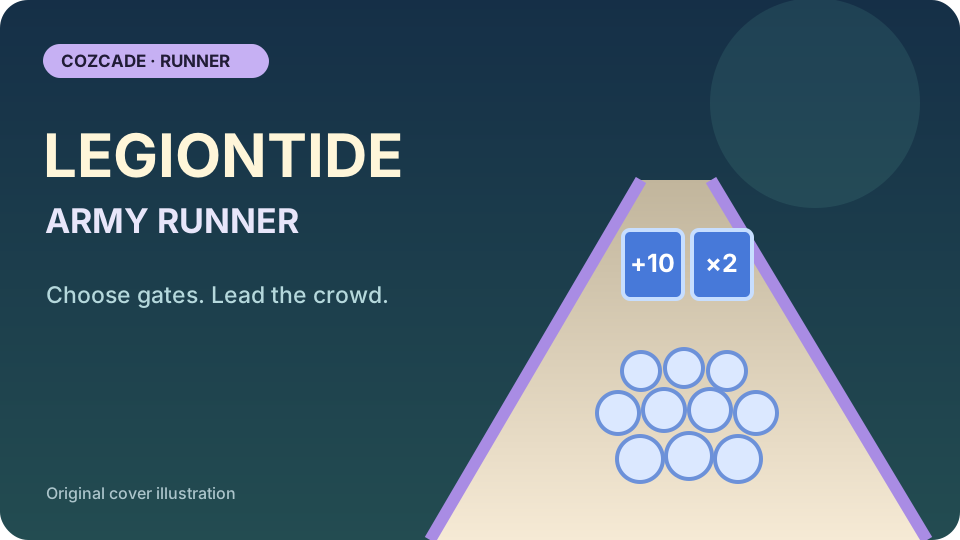
Steer a growing army through troop gates, hazards and enemy groups in Legiontide Army Runner. Use class powers, then spend earned game coins in your island kingdom.
Press Play and let the run begin. Move the mouse, use A/D or the Left/Right arrows to steer. Hold the left mouse button or Shift to tighten the formation. Number keys 1–4 use unlocked class powers; Space activates Golden Army when charged. Escape pauses. If the army is defeated, use Try Again or return to Menu.
Arcade games turn a small set of controls into a repeating skill challenge. Timing a jump, returning a ball and placing a falling block feel different even when each game can be started quickly.
Platform games turn movement into a route through a playfield. Check the jump controls and look at the landing area before committing to a gap.
Runner games keep the scene moving while you choose responses to obstacles. In a platform game, you usually have more control over movement through the playfield and the route to a landing place. Dino Runner is the runner currently listed here: jumping and keyboard ducking are the useful actions, rather than freely steering around the desert. Choose it when you want to practise obstacle timing with a small control set. If you want to explore jumps and movement through a changing terrain, compare the platform game category instead. The categories can share a jumping mechanic without sharing the same movement rules. Read the actual control summary, especially before assuming a touch input reproduces every keyboard action.
Check the mobile label and the touch instructions on the specific game page. Dino Runner supports tapping the play area to jump; its keyboard controls also include ducking with Down. A touch instruction for jumping should not be interpreted as a promise that all keyboard actions have an equivalent gesture. Focus the game area, try the stated input and watch the first obstacle before settling into a longer attempt. Device support belongs to the tested game edition, not to the runner category as a whole. If a title is marked desktop only, use its supported device or select another game with verified touch controls. The browser interface can be translated even when the game's own text stays in its original language.
Use short attempts to identify what your input does at a particular distance from an obstacle. An early jump can be as unhelpful as a late one if the landing puts the character in the next obstacle's path. Watch the visible distance and the jump arc instead of tapping at a fixed interval. Compare one obstacle pattern at a time and explain whether you failed to start an action, held the wrong action or misjudged the landing. Runner game guides can help structure that review, but they cannot guarantee a high score or eliminate variation between runs. Start another attempt with one change to your timing, then compare what you actually see. This gives you a repeatable practice question without requiring a memorised sequence for the entire run.