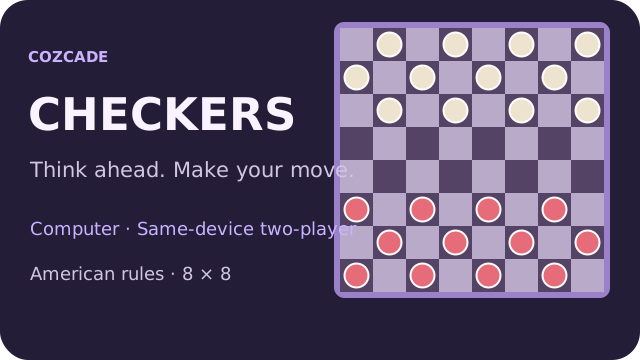
 Play Checkers
A short practice checklist
Tick a tip to focus on in your next run. This checklist does not change your game or save progress.
Checkers questions
Can I play Checkers without signing in?
Yes. Computer practice and same-device two-player matches require no Cozcade account. The match save belongs to this browser.
Can I play a friend on another device?
This edition offers same-device two-player play. It does not have private online rooms or remote multiplayer.
Why can I not make an ordinary move?
If a capture is available anywhere for your side, you must choose a legal capture. The highlighted squares guide the current route.
Can a normal piece capture backward?
No, in this American/English edition men move and capture forward. Crowned kings can move and capture diagonally in either direction.
Does a new king keep capturing immediately?
No. Reaching the far row ends the turn, including during a capture. The new king can use backward moves on its next turn.
Why is my saved game not on another phone?
Completed turns save locally on the browser used to play. There is no account or cloud synchronization. Cleared or unavailable browser storage may also remove the saved match.
Controls and full game instructions
Controls and full game instructions
Play CheckersDevice and progress questions
Does a Cozcade account save my Checkers progress?
A favorite is a saved link to Checkers, not a backup of your progress. Internal saves depend on the game's own storage. Signing in to Cozcade does not by itself transfer a board, score or lesson between browsers or devices. Use this Checkers guide to check the exact edition and its instructions.
Can clearing browser data remove my Checkers progress?
Removing cookies or site storage used by Checkers can erase local progress. Cached files are a separate category, although browser cleanup options may remove several categories together. Check the selected data categories first. If this edition documents an export feature, save an export before clearing storage.
How can I check whether Checkers works on my device?
Read the Checkers controls and use the catalogue's device options before starting. A keyboard or precise pointer may be required for a particular action. This Checkers guide records the scope of available checks; a successful desktop start does not establish comfortable touch play on every phone.
Checkers guide: sources and edition
By Cozcade
- Current edition
- 68dd4a4be7b6-c1
The original source and current Cozcade edition are linked here. A recorded short desktop session does not establish every level, long-session stability or every phone.